MY LEXUS PORTAL
REMOVING PERSONAL DATA
A range of personal data is registered on your Lexus Multimedia System, the Lexus Link App and in My Lexus, to help provide you with a seamless customer journey. When selling your Lexus, we advise you to remove all personal data from these systems.
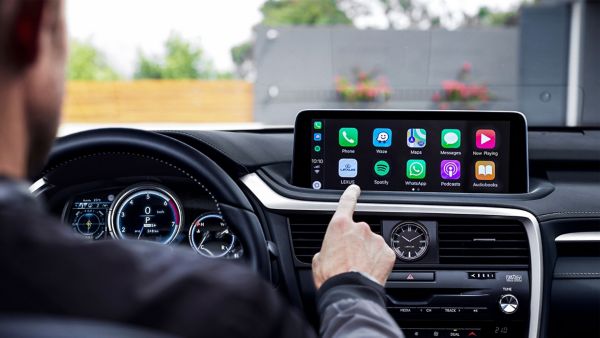
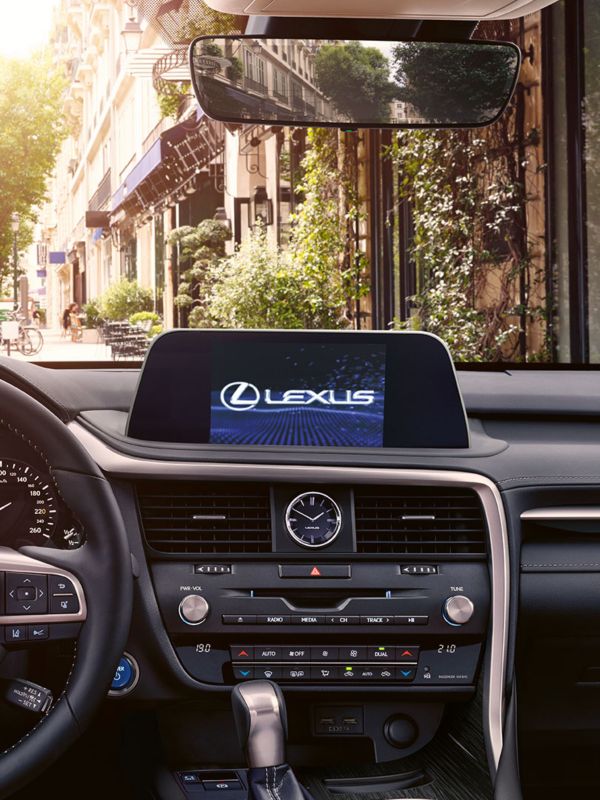
LEXUS MULTIMEDIA SYSTEM
The following personal data may be stored in your Lexus Multimedia System: Contacts, Call history, Favourites, Images, Phone and Message settings.
To remove this data:
- Select “Setup”
- Select “General”
- Select “Delete personal data"
- Select "Delete"
- Select "Yes" when the confirmation screen appears.
- Confirm that the data deletion is complete when the progression screen disappears.
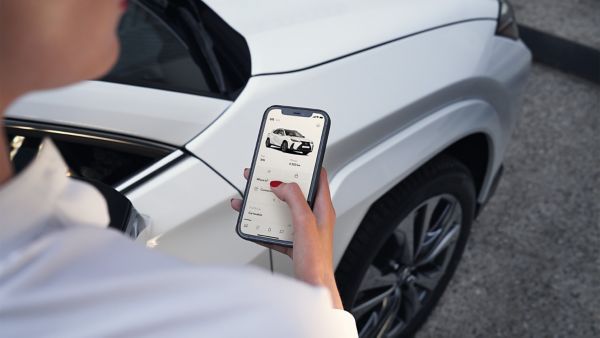
LEXUS LINKAPP
After deleting personal data from your Lexus Multimedia System it is your responsibility to remove your Lexus vehicle from the Lexus Link account, as specified in the Terms of Use.
To remove this data:
- Open your Lexus Link app
- Select the “Car” icon at the bottom of your screen If this is the car you want to remove then move to next step, if not select the garage icon in the top right and select the car you want to remove
- Swipe right on car image
- Select "CAR SETTINGS"
- Scroll down and click remove vehicle

My lexus
It is also your responsibility to remove your personal data from My Lexus, as specified in the Terms of Use.
To remove this data:
- Sign in to your My Lexus account through the Lexus website
- In “My Vehicles” select "Remove" on the car you'd like to delete
- Select "OK"
- Confirm the completion of data deletion for your car.
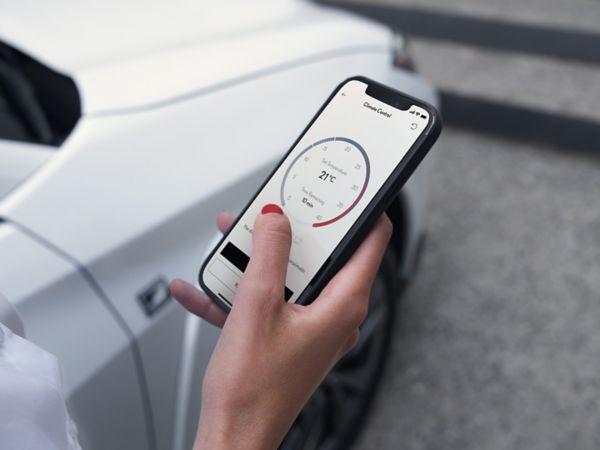
LEXUS LINK CONNECTED SERVICES
Driving in a Lexus has never been better, and with Lexus Link Connected Services the experience becomes even smoother, so you're always comfortable and in control, no matter where your drive takes you.
IMPORTANT NOTE
You will not be able to retrieve your data once it’s been deleted. We recommend reading your vehicle’s owner’s manual for additional details and limitations. Lexus accepts no liability for these instructions and/or consequences of any actions taken based on the information provided.